

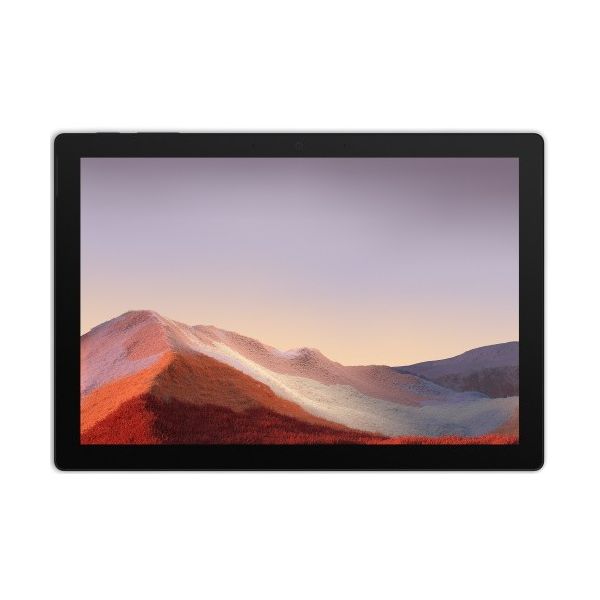
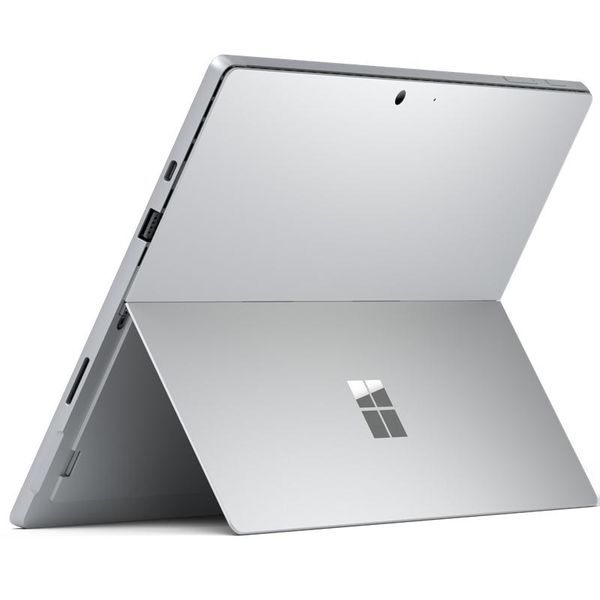
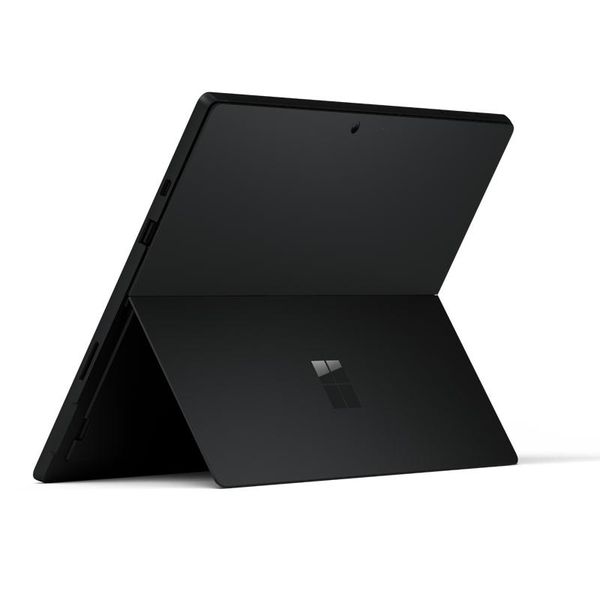
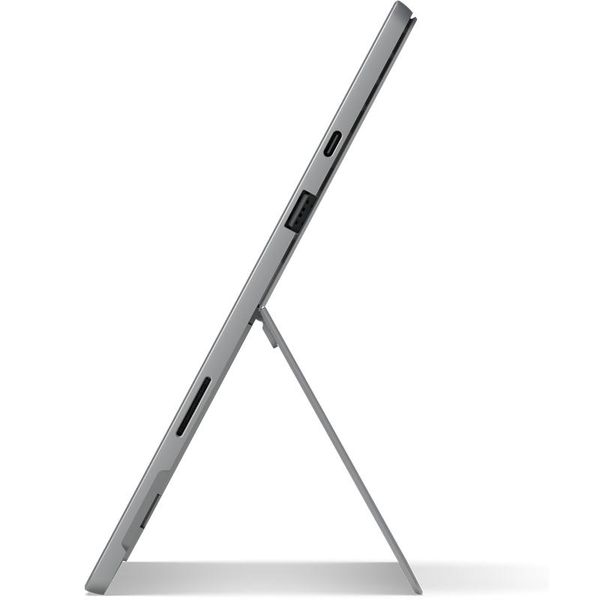
Microsoft Surface Pro 7 12.3in i5 8GB 256GB
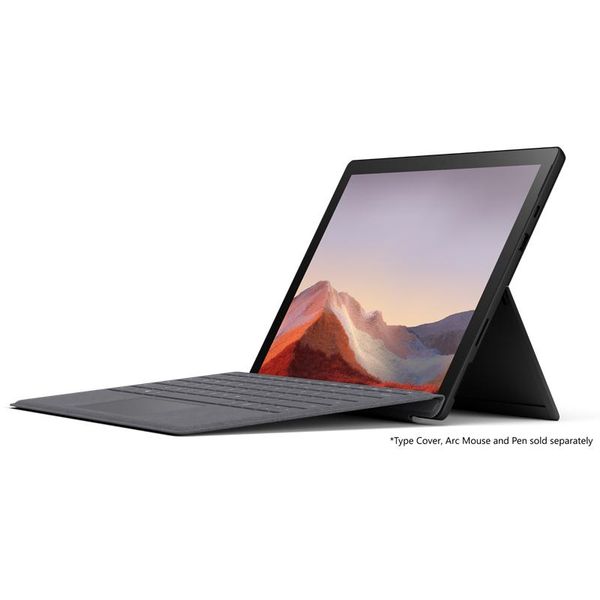
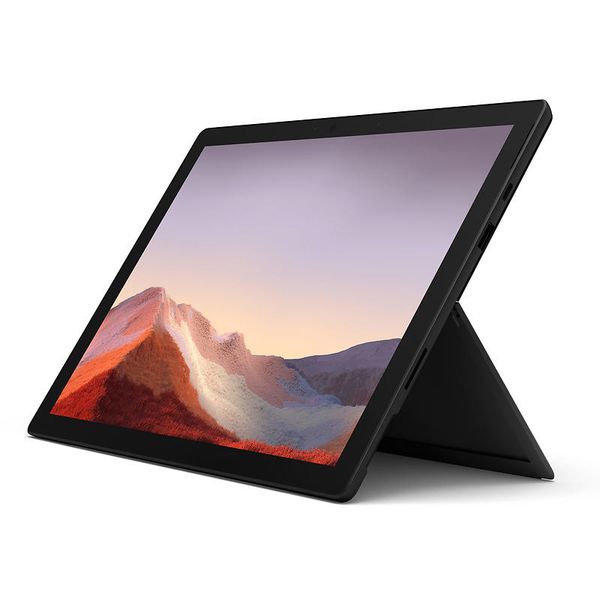
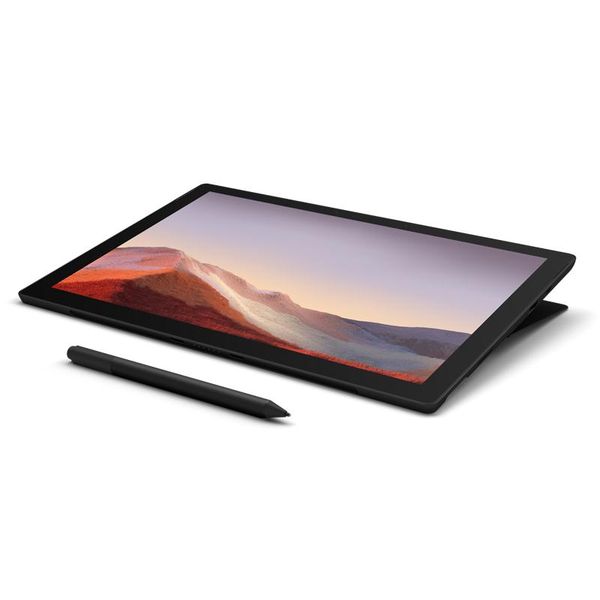
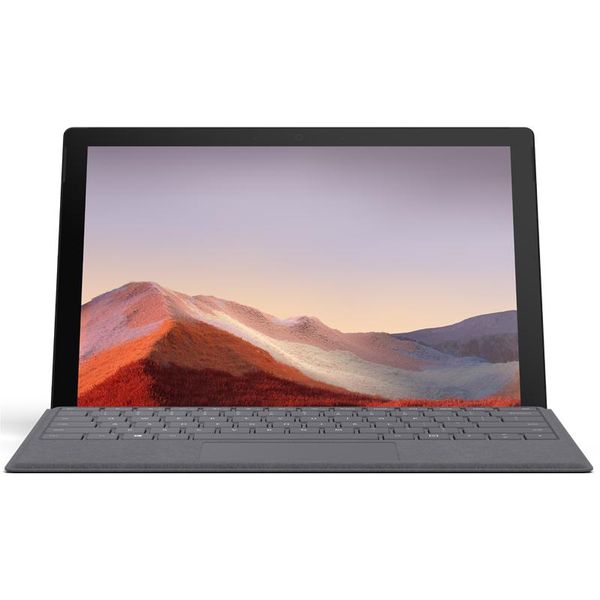
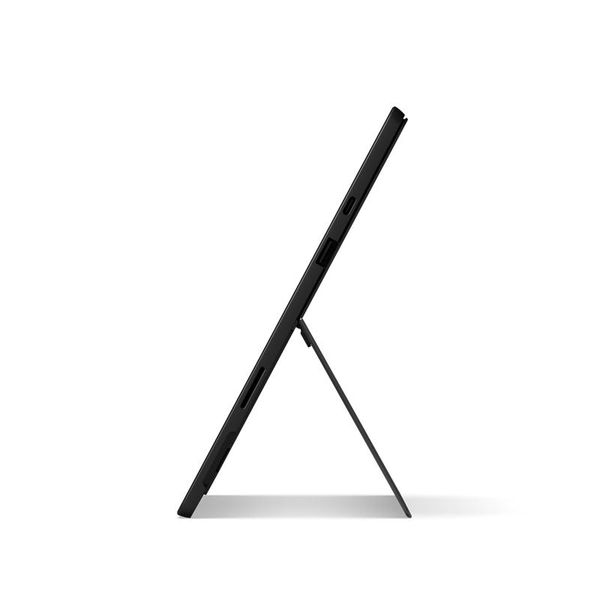
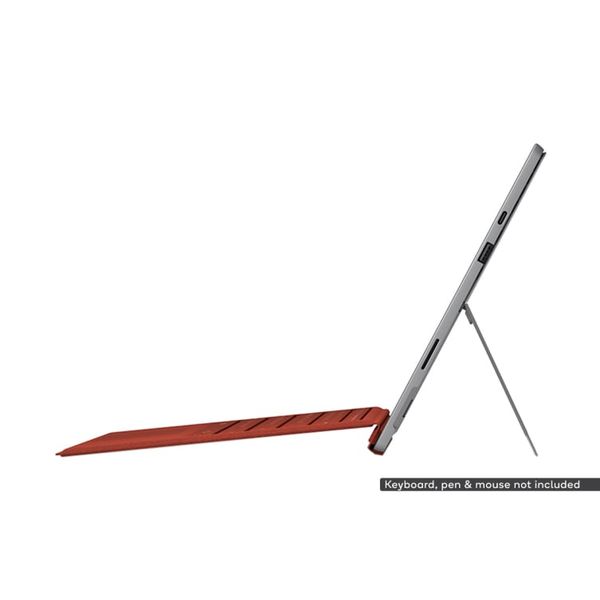

 ₱74,999.00 - ₱79,999.00
Reviews
Show product page
6 years ago
Microsoft Surface Pro 7 review: I wish this looked like a Surface Pro X
Something weird has happened over the past year: I've kind of fallen in love with the Surface Pro. After debating its "lapability," its lack of USB-C ports, and its staid design, I've used the Surface Pro 6 on and off as a regular laptop for nearly 12 months now.
Pros:
- Quad-core performance is great inside this lightweight tablet
- Cool and quiet with quick resume
- USB-C
- finally
Cons:
- Still no Thunderbolt 3
- Dated design that looks old next to a Surface Pro X
- Lack of built-in LTE / removable SSDs

6 years ago
Microsoft Surface Pro 7 review: Left behind
The Surface Pro 7 has been left behind
Pros:
- USB-C finally arrives
- Updated processors bump speed
- Same sharp
- 3:2 screen
- Type Cover is top notch
- Improved graphics
Cons:
- Chassis looks outdated
- Type Cover still not bundled in
- Battery life takes a step back

6 years ago
Microsoft Surface Pro 7 review
We expected a bit more in advancements from the seventh Surface Pro tablet. USB-C is nice, but for a device at this price, its should be Thunderbolt 3. Plus, the display bezels are awfully thick for a tablet in 2019.
Pros:
- Vastly improved performance
- USB-C finally
- Now with Wi-Fi 6
Cons:
- Overall loss in battery life
- USB-C isn't Thunderbolt 3
- Few
- if any
- other design changes
- Screen bezels are thick for 2019

6 years ago
Microsoft Surface Pro 7 Intel i5 256GB SSD Convertible Tablet - Black PUV-00021 review
The Microsoft Surface Pro 7 feels more like a Surface Pro 6.5 than an actual new product. The only significant changes are the addition of a USB-C input and a move to Intel’s newer 10th-gen family of laptop CPUs.
Pros:
- Full-fat Windows 10 application library
- Excellent connectivity
- Solid build quality
Cons:
- Type Cover costs extra
- Not a big step up on the Surface Pro 6

6 years ago
Faulty from the start
I have had my new laptop for 2 weeks and had a few problems already, wouldnt charge or power up, cant connect to internet, needs to shut down due to errors. Think microsoft should have spent a bit more time debugging before releasing.
6 years ago
Microsoft Surface Pro 7 Intel i5 256GB SSD Convertible Tablet - Black PUV-00021 review
After spending some time with the Surface Pro 7, we find ourselves somewhat conflicted. On one hand, it's not as impressive a technical showing as we were expecting; the new Ice Lake chip barely managed to match the Core i5 processor from last year's Surface Pro 6, and the battery life was similarly...
Pros:
- USB-C support
Cons:
- Disappointing battery life

6 years ago
Microsoft Surface Pro 7
While the Pro 7 is another fine entry in the line and tops among mainstream Windows tablets, I wouldn't tell Surface Pro 6 (or even Pro 5) users to run out and get one. But if you're working with something older or don't have this type of device in your life, it's one of the best 2-in-1s available.
Pros:
- Snappy new Intel "Ice Lake" processor
- Robust battery life
- Sharp display
- Well-implemented kickstand
- Finally includes USB-C
Cons:
- Keyboard still sold separately
- Just two ports, and no Thunderbolt 3 support

6 years ago
Microsoft Surface Pro 7 Intel i5 256GB SSD Convertible Tablet - Black PUV-00021 review
If you're a content owner of a Surface Pro 5 or Surface Pro 6 , then there is little reason to upgrade to the Surface Pro 7. It's tough to recommend Microsoft's latest iteration when it offers the exact same display as the two-year old Surface Pro 5 and roughly the same CPU performance as the...
Pros:
- higher temporary Turbo Boost performance over last year's model, Core i5 CPU performance on par with last year's Core i7, finally a USB Type-C port with Power Delivery, updated and faster Toshiba NVMe SSD, slightly longer battery life, Wi-Fi 6 comes standard, silent
- passively cooled
Cons:
- exact same LG Philips IPS display as on the 2017 Surface Pro 5, display could be better calibrated out of the box, high Turbo Boost performance is short-lived, coil whine
- electronic noise on our unit, still no Thunderbolt 3 support, slow graphics driver updates, no WAN or GPS
6 years ago
Microsoft Surface Pro 7 Core i5 Review: More Like a Surface Pro 6.5
If you're a content owner of a Surface Pro 5 or Surface Pro 6, then there is little reason to upgrad... Iterative. The Surface Pro 7 doesn't bring enough to the table to warrant a whole digit upgrade over the Surface Pro 6. Unless if you really value the integrated USB Type-C port or Iris Plus graphics update, last year's model will suffice.
Pros:
- higher temporary Turbo Boost performance over last year's model
- Core i5 CPU performance on par with last year's Core i7
- finally a USB Type-C port with Power Delivery
- updated and faster Toshiba NVMe SSD
- slightly longer battery life
- Wi-Fi 6 comes standard
- silent
- passively cooled
Cons:
- exact same LG Philips IPS display as on the 2017 Surface Pro 5
- display could be better calibrated out of the box
- high Turbo Boost performance is short-lived
- coil whine
- electronic noise on our unit
- still no Thunderbolt 3 support
- slow graphics driver updates
- no WAN or GPS

6 years ago
WINDOWS CRASHES
First time boot up there was a windows crash and all I did was select a language. After a few restarts it finally got past and got to using the Surface. It is really a great device but again more windows crashes constantly! Major fail by Microsoft! Hopefully with exchange the new one won't crash.
4.1
from 37 reviews
5
33.0%
4
51.0%
3
9.0%
2
0.0%
1
6.0%

