

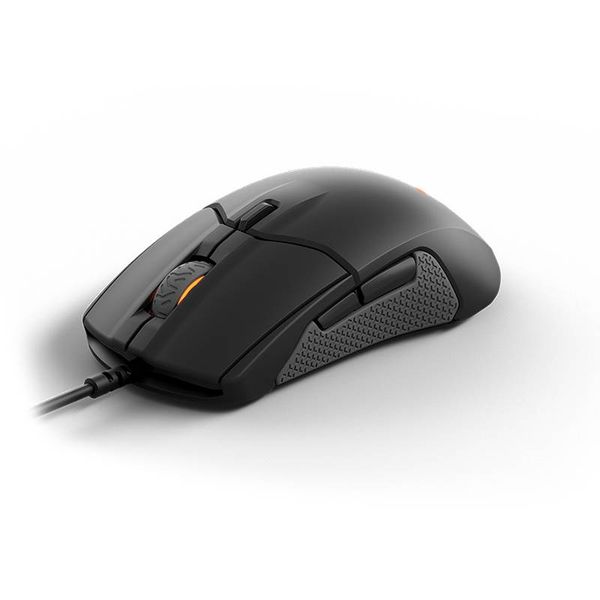
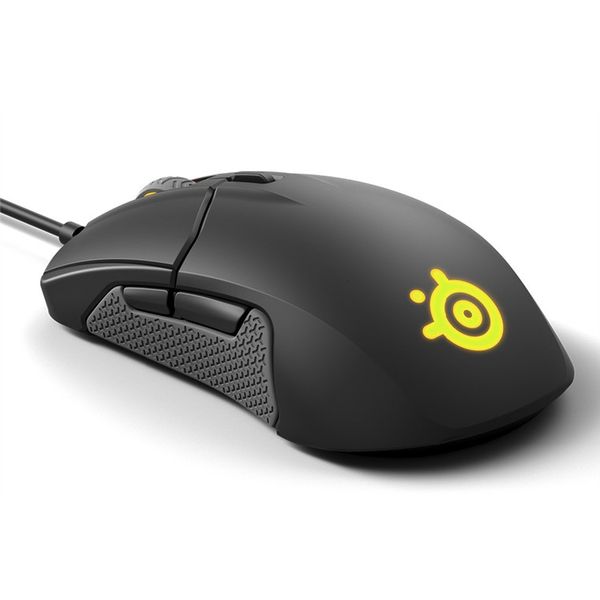
SteelSeries Sensei 310

 ₱12,709.00
Reviews
Show product page
8 years ago
SteelSeries Sensei 310 ESports Gaming Mouse Review
SteelSeries Sensei 310 – Ambidextrous Eight Button Wonder Starting business over a decade ago as a mousepad manufacturer, today SteelSeries competes with the likes of Razer and Logitech in the PC gaming peripheral industry, manufacturing keyboards, headsets, mice and more.
7 years ago
Steelseries Sensei 310
Esports smee-sports. Whatever it says on the box about the Steelseries Sensei 310 being "engineered" for your favourite arena-based festivities, you should know this ambidextrous mouse is still a great point and clicker in its own right.
7 years ago
So far so good but we will see how long it lasts
So far so good. I really like the feel of this mouse, it seems to fit my larger hands better than my previous mouse which was a RAZR . Unfortunately the most important thing for me is how long it will last and I've only had it for a month so far so I cannot give it 5 stars.
7 years ago
AMAZING AMAZING AMAZING AMAZING AMAZING AMAZING AMAZING AMAZING AMAZING AMAZING AMAZING AMAZING AMAZING AMAZING AMAZING AMAZING AMAZING AMAZING AMAZING AMAZING AMAZING AMAZING AMAZING AMAZING AMAZING AMAZING AMAZING AMAZING AMAZING AMAZING AMAZING AMAZING AMAZING AMAZING AMAZING AMAZING AMAZING...

5 years ago
Great for short term; not so much for long term
For the first few months or so I've had no problems whatsoever but, now that it's seen a fair bit of use the rubber sides are barely being held on by the glue, and don't even get me started on trying to clean them without ripping them off on accident. The mouse wheel isn't as much of a worry as there's no chance of it coming out while cleaning it. The whole cleaning issue wouldn't exist if the sides had just been made as one part with the rest of the mouse. It's anybody's guess why the mouse was made with removable sides, too late to complain now though. In conclusion, buy it if you want something to use in the meantime while you spend on other more important parts, but if you want something for the long term then I'd recommend spending an extra $30-$40.
8 years ago
SteelSeries Sensei 310
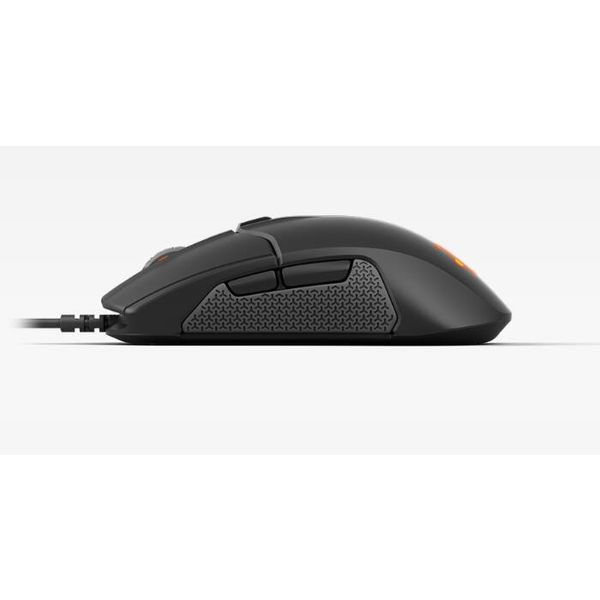
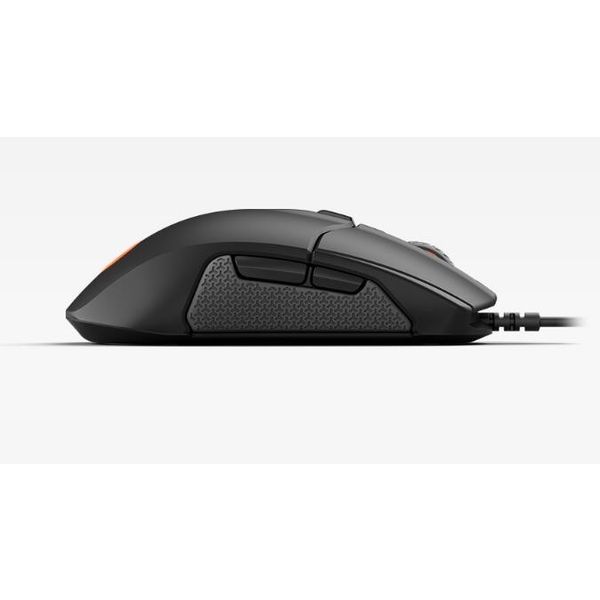
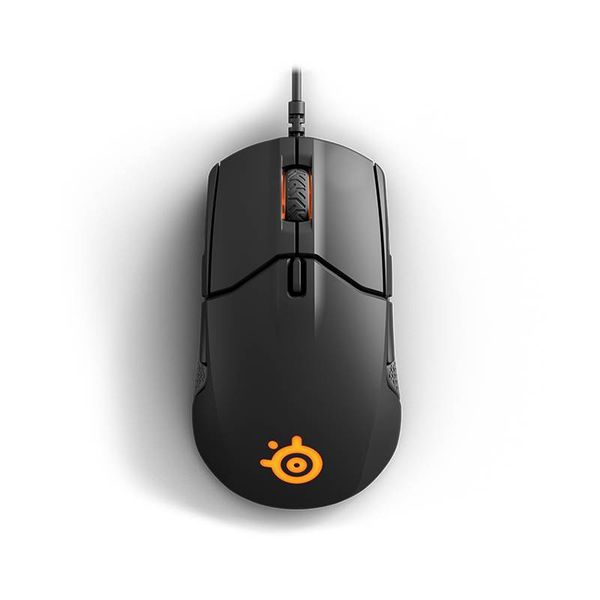
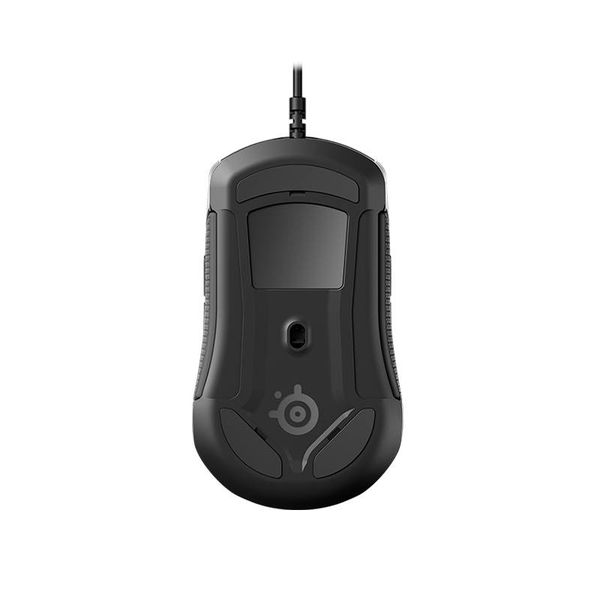
With these caveats noted, the Sensei 310 is a strong entry in the market for high-end optical gaming mice. It's an ambidextrous one, and thus not optimized for ergonomics with a horizontal arch, and the scroll wheel is too far forward for your typical hand-unless you prefer a claw grip.
Pros:
- Shaped for lefties and righties alike
- Attractive, solid design, yet light
- Hair-trigger Omron switches and good optical sensor
- Support for acceleration, deceleration, angle snapping
Cons:
- Only two DPI settings
- No lift-distance control
- Best for big hands
- Non-braided cord
- Ho-hum macro editor
- Can't sync lighting for both light zones easily
8 years ago
SteelSeries Sensei 310 Review
We like the guts and the ambidextrous design of the Sensei 310, but a few advances in the configuration software would make this mouse something really special. Some manufacturers work the concept of branding very carefully, with every product they release in a family maintaining evidence of physical continuity with its ancestors. Nearly all of the late Mad Catz's mice, for example, looked like mechas designed by Japanese animators. All of Samsung's Xpress consumer printers, like portable toasters that have evolved feet over time to chase smaller mammalian prey. If you liked the style of one Mad Catz RAT or Xpress printer you'd previously owned, chances are you'd feel reassured looking at others in the same lineage for potential purchases in the future. It felt like coming home. That's what branding is all about. Some companies, however, forego branding altogether—and yet a third group uses it as a catch-all. SteelSeries' Sensei mice would appear to fall into this last category. Among them are the Sensei 310 ($59.99) A glance at several products in the Sensei line—the original Sensei of 2011, the Sensei [RAW] of 2013, and the Sensei Wire...
Pros:
- Shaped for lefties and righties alike
- Attractive, solid design, yet light
- Hair-trigger Omron switches and good optical sensor
- Support for acceleration, deceleration, angle snapping
Cons:
- Only two DPI settings
- No lift-distance control
- Best for big hands
- Non-braided cord
- Ho-hum macro editor
- Can't sync lighting for both light zones easily

8 years ago
SteelSeries Sensei 310 Optical Mouse
When I was little, my parents told me to take piano lessons. As my mom was more than competent to teach me piano, I did not really have to go far to find someone outside. To be honest, I really struggled with it. I had issues with rhythm, coordinating my two hands, and reading music quickly.
8 years ago
SteelSeries Sensei 310 Mouse Review: Ambidextrous Bliss
The SteelSeries Sensei is easily one of the most underrated mice on the market, and it's hard to say why people rate it low. It features a sleek design, excellent software and full ambidextrous support, which is more than a lot of newer mice can say.
Pros:
- Excellent design
- Great performance
- Reasonable price
- Fully ambidextrous
Cons:
- Only two DPI settings
- Some lighting oddities

8 years ago
We like the guts and the ambidextrous design of the Sensei 310, but a few advances in the configuration software would make this mouse something really special.
Pros:
- Shaped for lefties and righties alike
- Attractive
- solid design
- yet light
- Hair-trigger Omron switches and good optical sensor
- Support for acceleration
- deceleration
- angle snapping
Cons:
- Only two DPI settings
- No lift-distance control
- Best for big hands
- Non-braided cord
- Ho-hum macro editor
- Can't sync lighting for both light zones easily
4.3
from 38 reviews
5
42.0%
4
34.0%
3
23.0%
2
0.0%
1
0.0%

